




Connect your room air conditioner to the Google Home App
1. Set Up Google Home or Nest Device
Make sure your Google Home or Nest device is connected and working, if not, follow the instructions provided with the Google device. For further assistance go to www.google.com/home
2. Connect the Appliance
Make sure your appliance is connected with the “Frigidaire 2.0” app. You can download the app on Google Play or the Apple Store. Connect the appliance and the Google Home or Nest device to the same Wi-Fi.
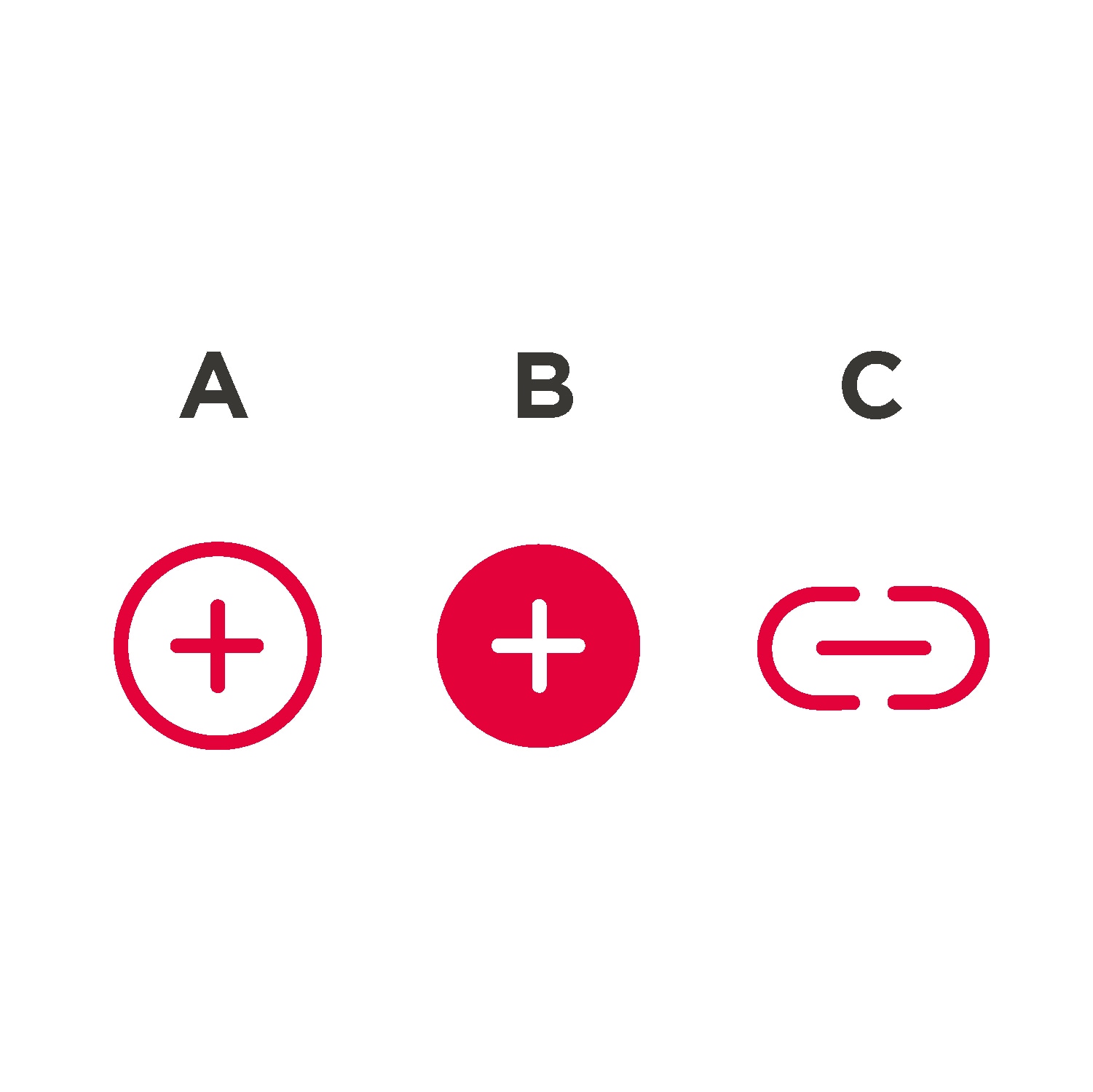
3. Start the Google Home App
A. Add (on home screen)
B. Set up device
C. Works with Google (Have something already setup?). Select the manufacturer of the device from the list.
E. Follow the in-app steps to complete setup.
4. Connect to Your Account
Select Frigidaire in the list and log in to your Frigidaire account. (Account for “Frigidaire 2.0” app)
How to Activate Remote Control
To activate Remote Start please refer to appliance specific instructions in the User manual
*For your safety and in compliance with regulations
Ask Your Assistant
Just start by saying, "OK Google", or “Hey Google” followed by one of the listed commands:
- Set air conditioner to dry.
- Set the air conditioner to 72 degrees.
- Turn the air conditioner fan down.
- What is the mode of the air conditioner?
- Set the fan speed of air conditioner to medium.
- Set dehumidifier to quiet.
- Increase the dehumidifier by 10%.

Automatic Start
You can say one command at a time. For example say, “Hey Google, what is the fan-speed of the dehumidifier?” and then say, “Hey Google, decrease the dehumidifier by 5%”.
Commands should not be combined. For example you should not say, “Hey Google, what is the fan-speed of the dehumidifier? And decrease the dehumidifier by 5%".
More than one room air conditioner?
If you have more than one connected Wi-Fi air conditioner, it is better to name them with different names, so the Google Home would know which one to start. When connecting the appliance, to Frigidaire 2.0, the APP will suggest a default name, “room air conditioner”, then “room air conditioner 2”. You can rename the appliance in the Frigidaire 2.0 app and the new name will be reflected in the Google Home App.
If you have the appliances in different rooms, you can associate the appliance to a specific room in the Google Home app, so commands like “...turn room air conditioner fan up” or “... turn off room air conditioner 2” are possible.
Removing your air conditioner from the Google Home app
When you unlink a device from a home:
- It will disconnect the device from members in the home.
- It will be unlinked from your Google Account.
- Make sure your devices are powered on.
- Open the Google Home app.
- Select your device.
- Tap Settings → Unlink your linked service → Unlink.
Learn more about connecting your device
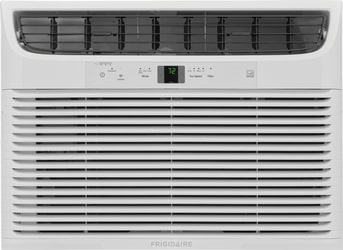
Window Air Conditioners with Alexa Assistance
Wifi is enabled in select air conditioners.
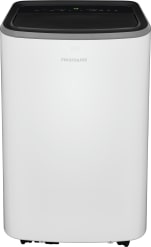
Portable Air Conditioners With Alexa Assistance
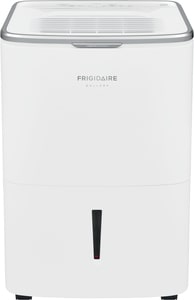
All connected appliance data is stored in agreement with Frigidaire data secure policy. Google, Google Play, Google Home and Google Nest Audio are trademarks of Google LLC.


